 Super VPN
Encrypted traffic
Your connection is wrapped in an encrypted tunnel, so the network you're on can't read what you send.
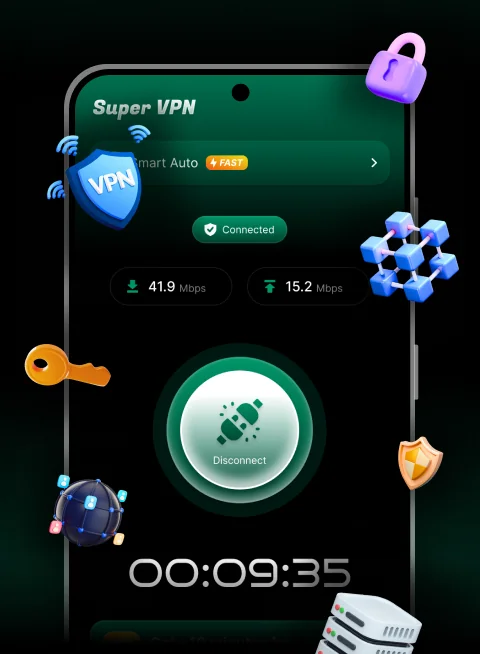
Super VPN routes your traffic through an encrypted tunnel and picks the best server for you. No setup, no sign-up, nothing to configure — press connect and you're protected.
Super VPN keeps the interface out of your way. Here is everything it actually does.
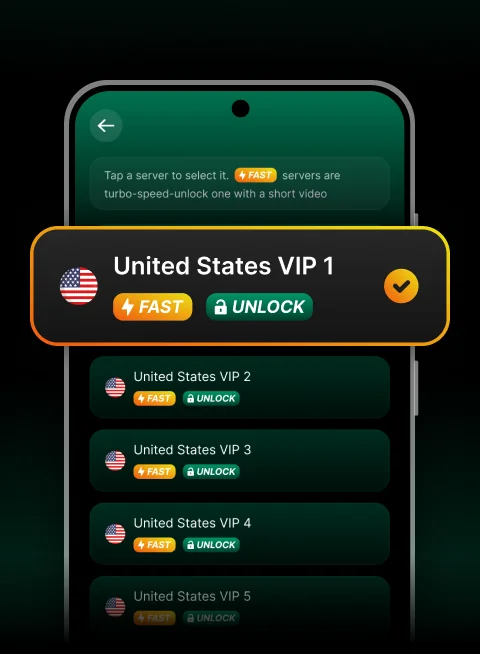
Leave the server on Smart Auto and Super VPN connects you to a healthy node automatically. Want control? Open the list and choose from a deep pool of United States VIP servers.
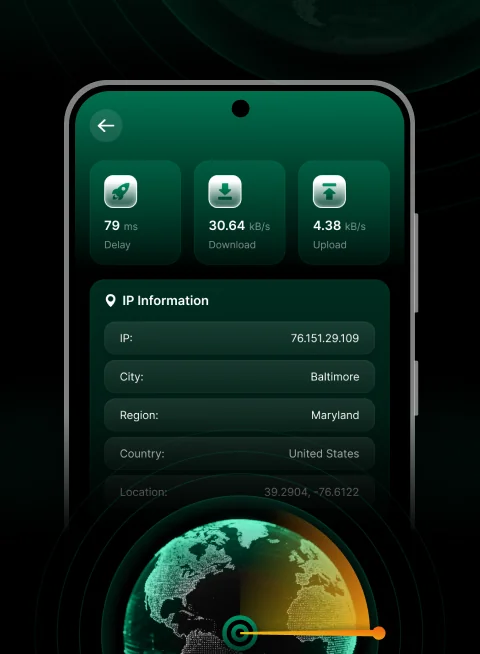
The speed test reports delay, download and upload for the route you're on right now, so you know whether to stay put or switch nodes.
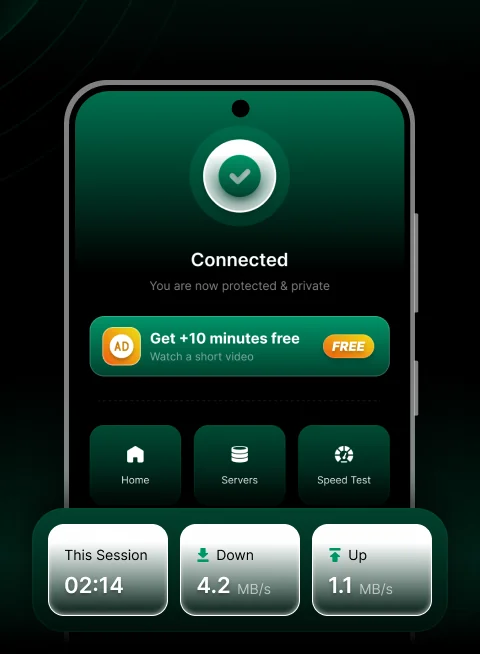
Once you're through, the app tells you so plainly and keeps a running count of your session. Need longer? Add ten more minutes without paying anything.
Your connection is wrapped in an encrypted tunnel, so the network you're on can't read what you send.
Hotel, café and airport networks are exactly the ones worth tunnelling. One tap before you join.
No email, no password, no card. Install the app and connect — nothing to sign up for.
We don't log, store or inspect what you do while connected — no browsing history, no DNS queries, no traffic contents.
Download Super VPN onto any Android phone or tablet. It's free and installs in seconds.
Android asks for VPN permission the first time — approve it once and the tunnel comes up.
Use your phone exactly as you normally would. The timer and speed readout do the rest.
Yes. Super VPN is free to download and use. Sessions run on a timer, and you can add ten more minutes at any point by watching a short video inside the app. No payment details are ever required.
No. There is no sign-up, no email and no password — install the app and tap connect.
Super VPN is an Android app and runs on phones and tablets.
Android requires every VPN app to get your explicit consent before it can route network traffic. The system dialog appears once, the first time you connect.
FAST marks the turbo-speed servers. UNLOCK means that node is a premium one — watch a short video inside the app and it opens up for you.
Email [email protected] with your device model and Android version and we'll get back to you.
Free to install, no account to create, one tap between you and an encrypted connection.
Download for Android